A timer that keeps running.
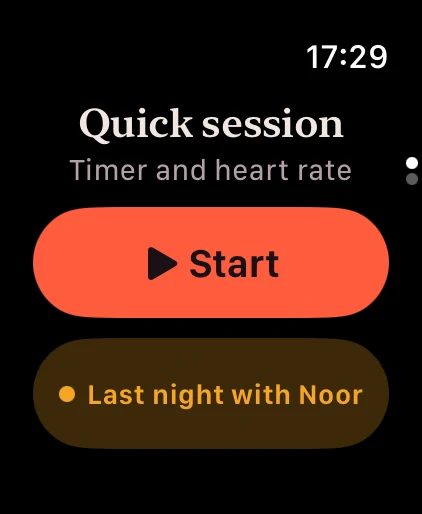
Start a session from your wrist and put your arm down. The timer keeps running when the screen sleeps, and permissions are asked once, not every time.
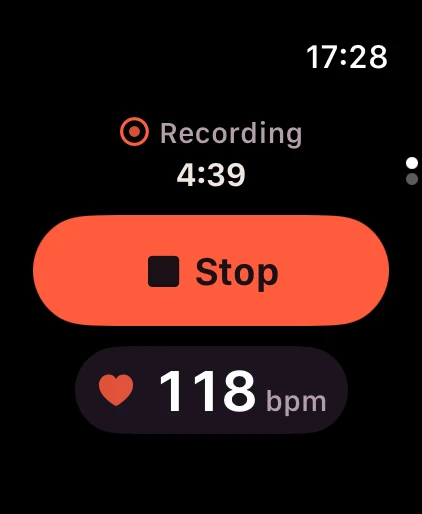
Your heart rate, charted.
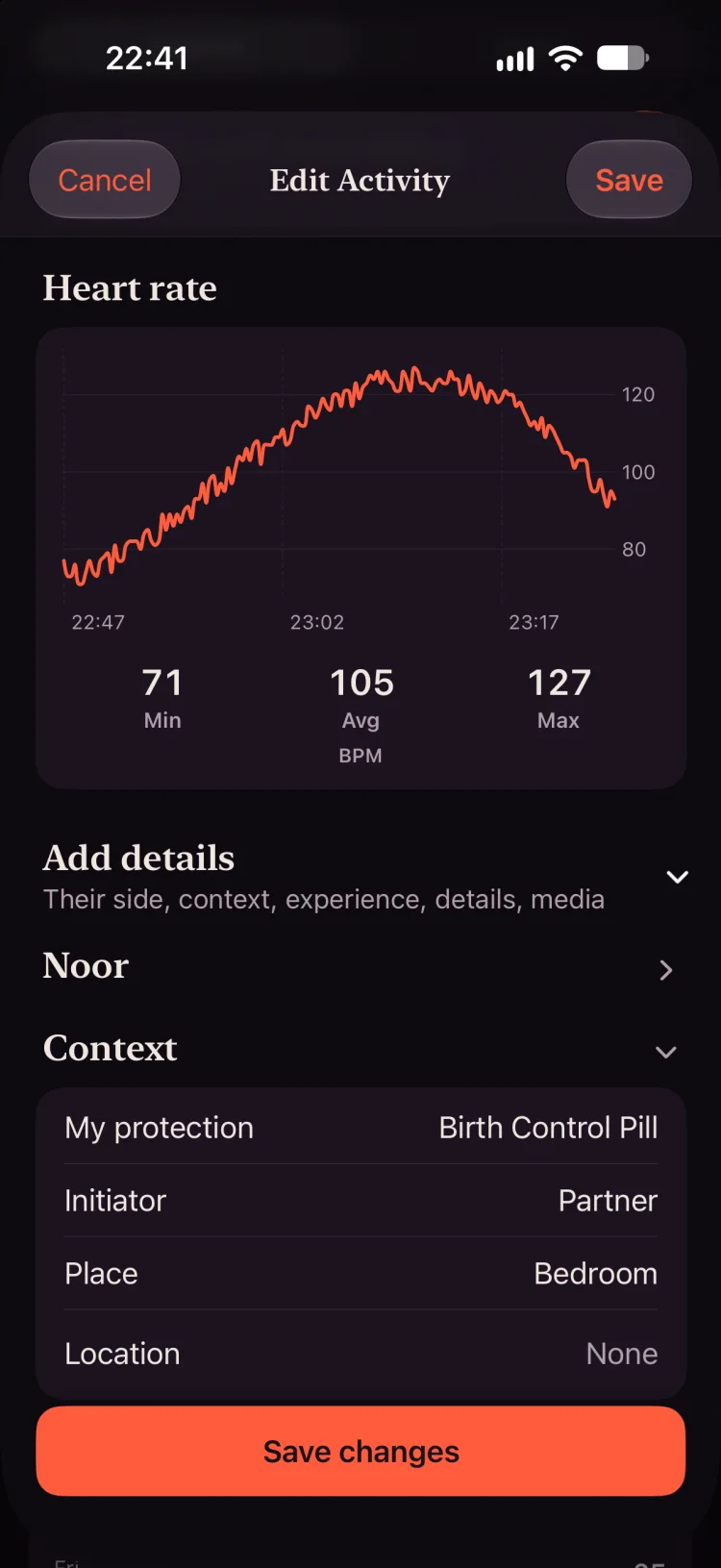
While a session runs, the Watch reads your heart rate and saves a workout. Afterwards your iPhone shows the curve with its minimum, average and maximum. Heart rate stays on the device that read it unless you choose to sync it.
On your watch face.
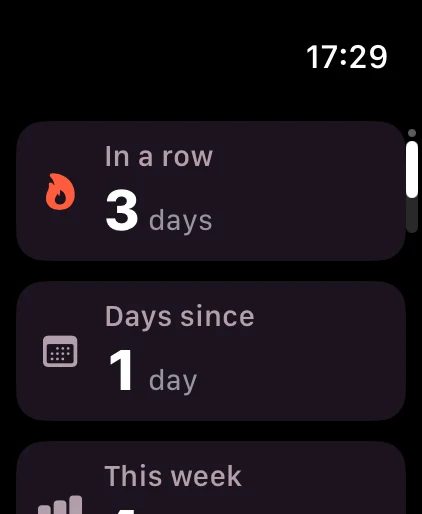
Complications for a quick start, days since, your week and what’s planned. Or skip the timer and log last night with a tap.
- Quick start
- Start a session straight from the watch face.
- Days since
- How long it’s been, at a glance.
- Your week
- This week’s nights as dots, with no names.
Questions, answered.
Can I track sex with my Apple Watch?
Yes. BedStats has an Apple Watch app with a session timer that keeps running when the screen sleeps. It reads your heart rate during the session and charts it afterwards.
Which Apple Watch do I need?
Any Apple Watch with watchOS 11 or later, paired with an iPhone on iOS 18 or later.
Does my heart rate leave my device?
No. Heart rate stays on the device that read it unless you turn on “Heart rate in iCloud”, which syncs it through your own private iCloud. It is never sent to us.
Does it save to Apple Health?
The Watch saves a workout while a session runs. Saving partnered sessions to Apple Health is optional and off until you turn it on.